Self-hosted LMS · source-code license

Your own online school — Source code, no monthly fees

Mathe LMS is a complete platform for teaching and selling online courses: a course builder with auto-graded quizzes, a student area with progress and certificates, Stripe checkout, a CRM and email marketing. Buy it once, install it on your own server with Docker, and keep every student, payment and line of code.

One-click demo sign-in for the admin panel and the student area. No registration needed.

  • One-time license
  • Full source code
  • Docker install
  • English & Spanish
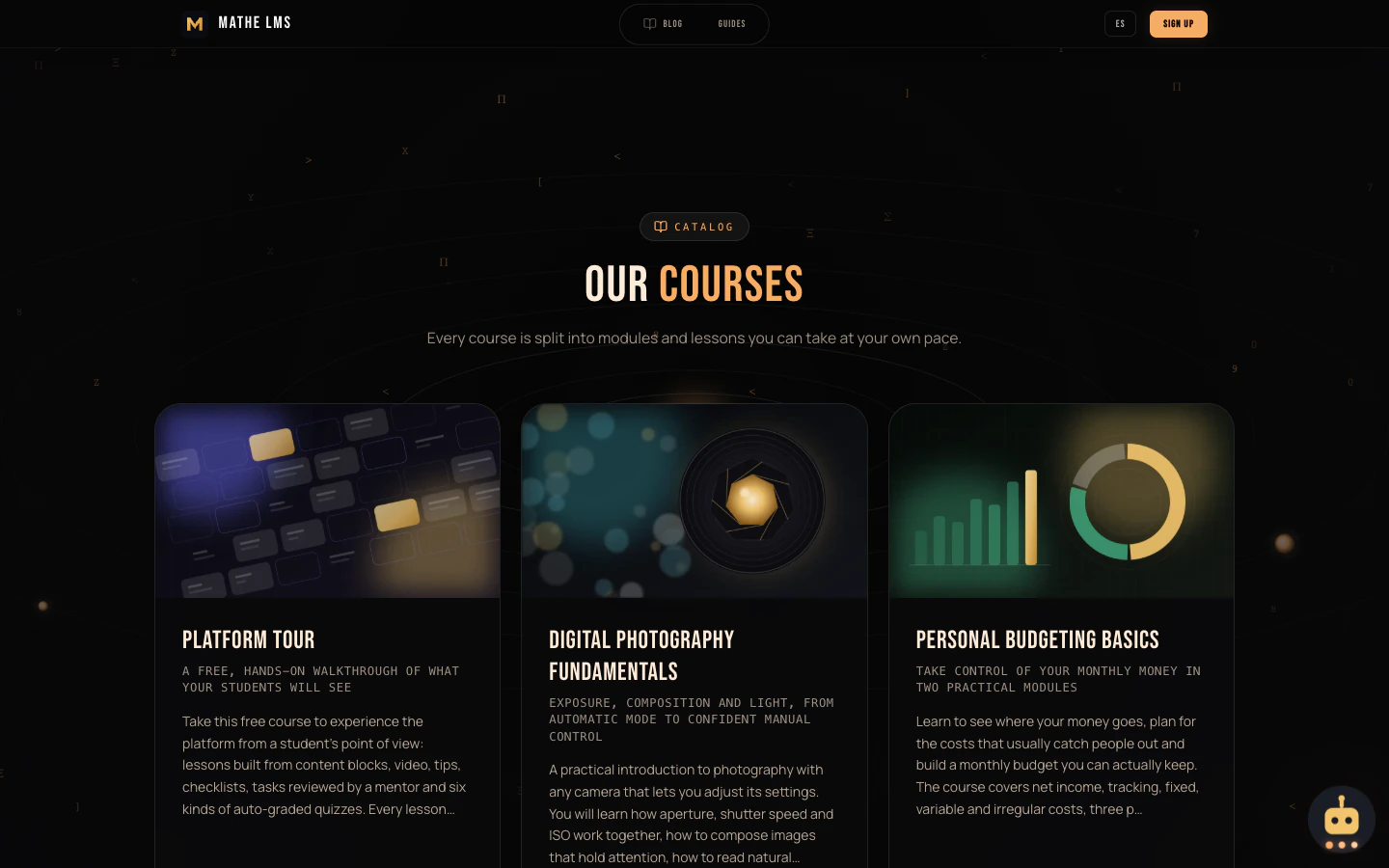
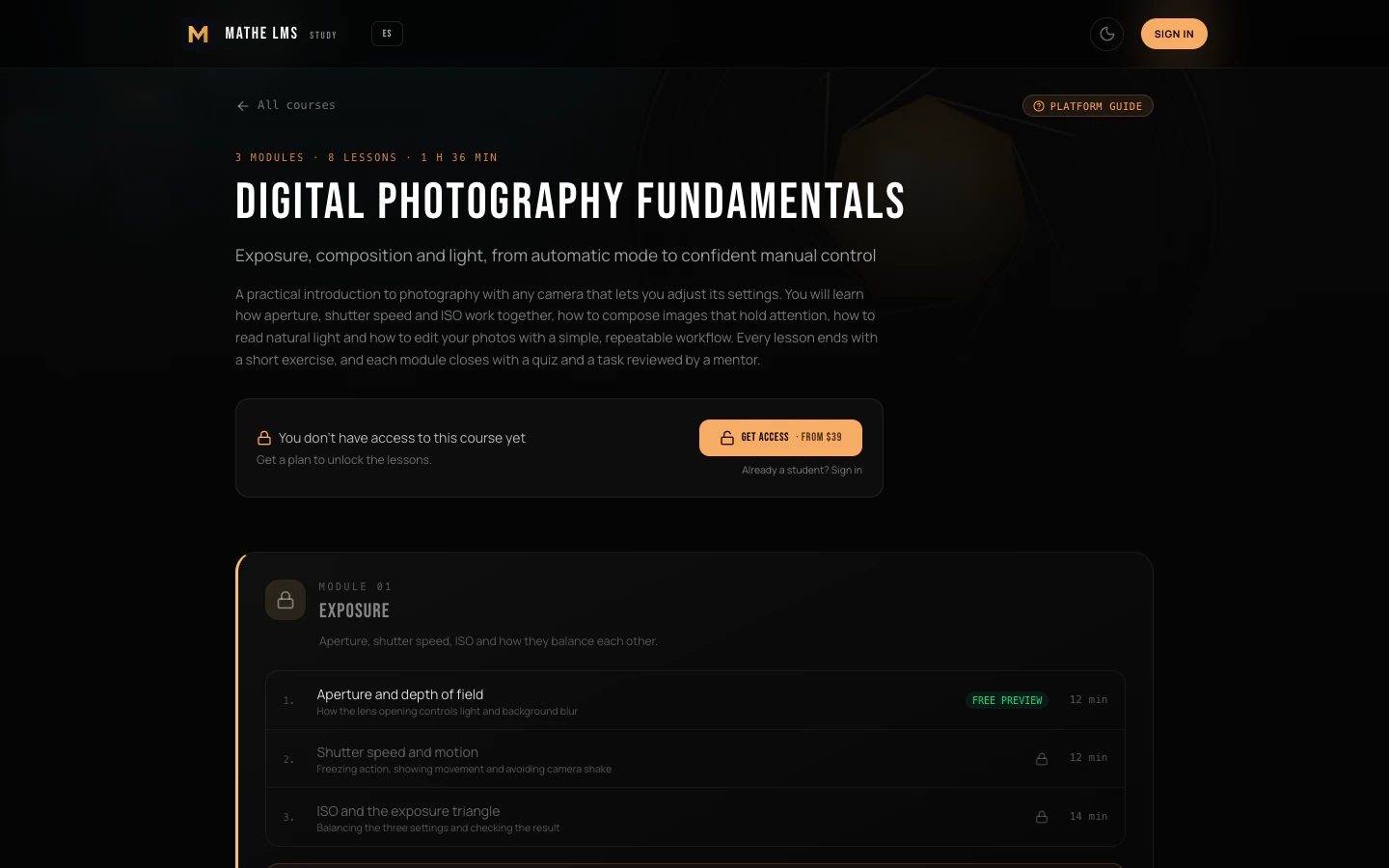
Course page in Mathe LMS: Digital Photography Fundamentals with 3 modules, 8 lessons, a Get access button from $39 and the first module's lessons
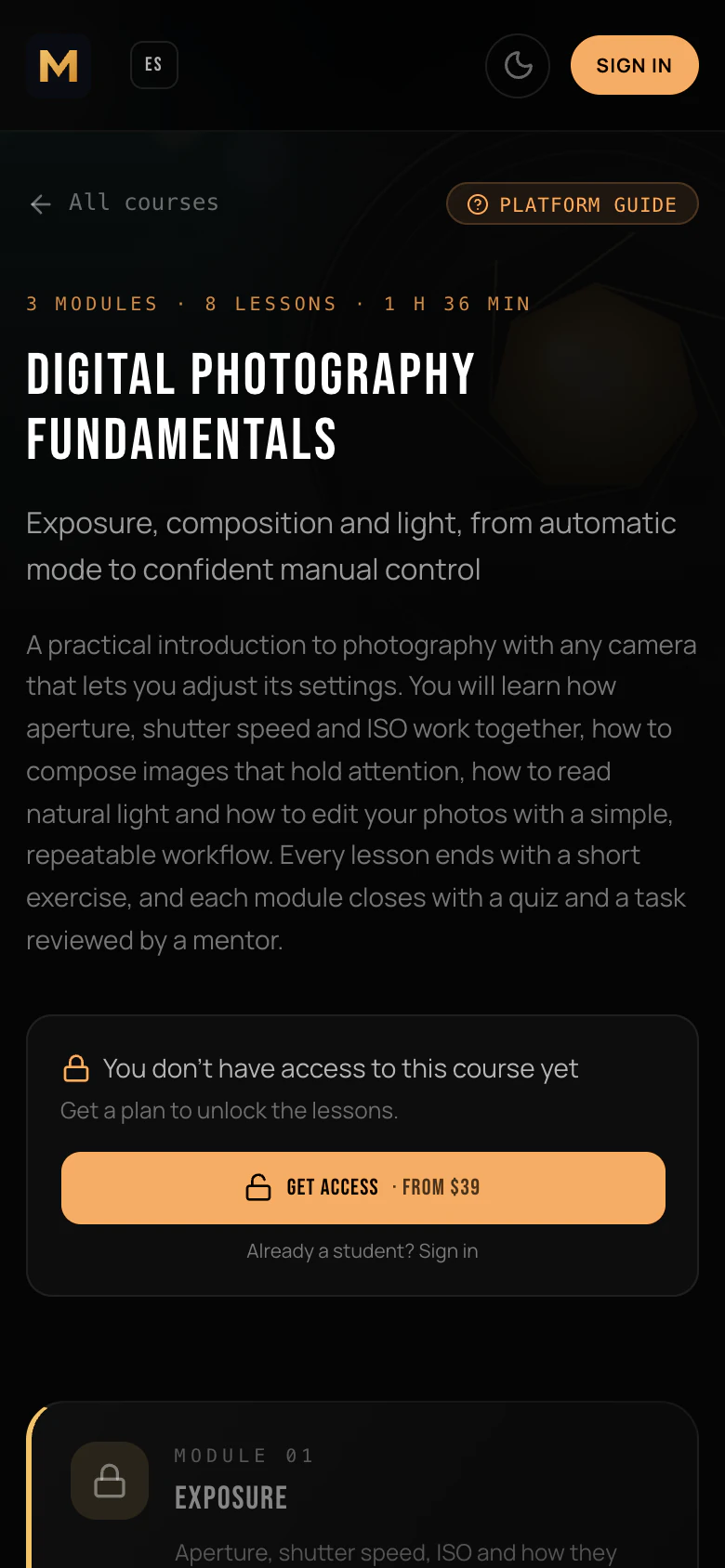
The demo school's home page on a phone

Why own it

Stop renting your school

Hosted course platforms are quick to start with. But you pay every month for as long as your school exists, and your students, content and payments live inside someone else's product.

Hosted course platform

You rent it.

  • A bill every month, often growing with your number of students or the features you need.
  • Useful features on higher tiers: you upgrade the whole plan to get one tool.
  • Your data on their servers, under their terms and their export options.
  • Limited control over design, code, integrations and hosting.
  • Prices and rules can change at any time.
Mathe LMS

You own it.

  • Pay for the license once. No monthly fee to us. You only pay for your own server and your payment and email providers.
  • Every feature included: course builder, checkout, promo codes, CRM, broadcasts, tracking, backups.
  • Your server, your PostgreSQL database, with scheduled backups you can download.
  • Full source code (Next.js, TypeScript): rebrand it, change it, connect it to anything.
  • Payments go to your own Stripe account. Nothing changes unless you decide to update.

Features

Everything a school needs, in one codebase

One admin panel to build courses, sell access, reach your audience and keep the site healthy. Everything below ships in the code you buy.

Course builder

Courses, modules and lessons. Each lesson is assembled from blocks, with no HTML needed.

  • Courses in English or Spanish, with a drag-and-drop curriculum of modules and lessons
  • 10 lesson block types: heading, text, video, tip, copyable prompt, table, checklist, separator, mentor-reviewed task and quiz
  • Video from YouTube, Vimeo, Loom, Wistia or a direct MP4/WebM file
  • 6 auto-graded quiz types: single choice, multiple choice, fill in the blanks, matching, ordering and keywords
  • Graded on the server: correct answers never reach the browser
  • Mentor-reviewed tasks with a submissions list in the admin panel

Student area

A focused place to learn, on desktop and on the phone.

  • Sign-in with a one-time email code or Google, optionally Telegram
  • Progress tracking for every lesson and course
  • Printable certificate of completion with a unique ID
  • Glossary: terms are highlighted inside lessons, with the definition on hover or tap
  • Stream recordings for students enrolled in a course
  • Profile with printable receipts, plus light and dark themes

Selling

Turn courses into products and get paid into your own Stripe account.

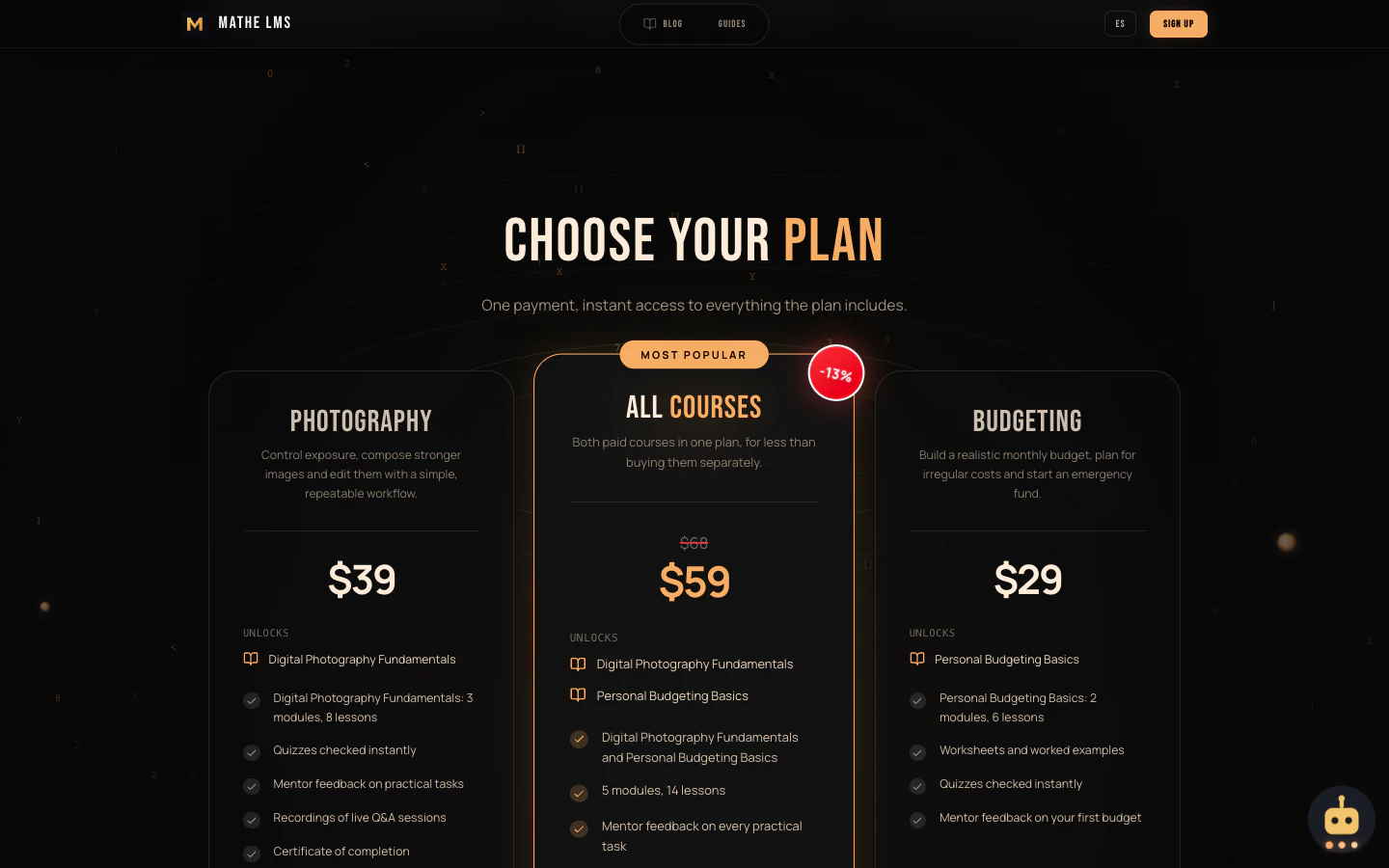
  • Plans unlock whole courses (including modules added later) or single modules
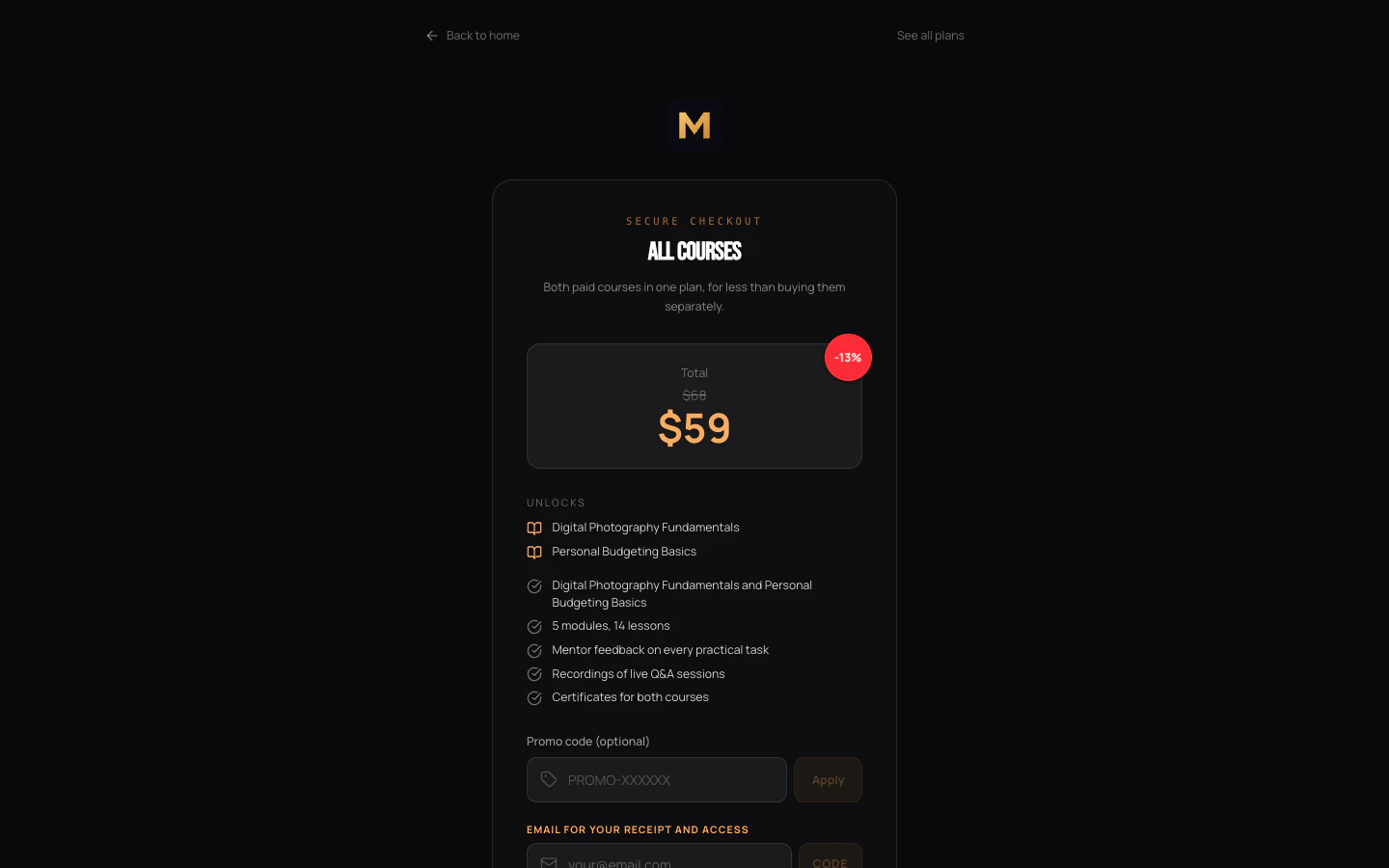
  • Every plan gets its own checkout page, with optional old price, featured and free plans
  • Stripe Checkout; a paid order gets instant access and a welcome email
  • Promo codes: percentage discounts, usage limits, limited to chosen plans
  • A full refund in Stripe revokes the access automatically
  • Missed payment confirmations are re-checked every 10 minutes; a test bench simulates orders without a card

Marketing

Grow the school without adding separate marketing tools.

  • CRM leads and contacts with source, status, tags and a timeline of every event
  • Email and Telegram broadcasts to a filtered audience (status, source, tag, sign-up date)
  • A personal unsubscribe link and one-click List-Unsubscribe in every broadcast email
  • Tracking links with UTM source, medium and campaign; click IDs saved with each order
  • S2S postbacks on lead and sale to your ad or affiliate tracker, with a log of every call
  • QR codes in your colours and with your logo, with scan counts
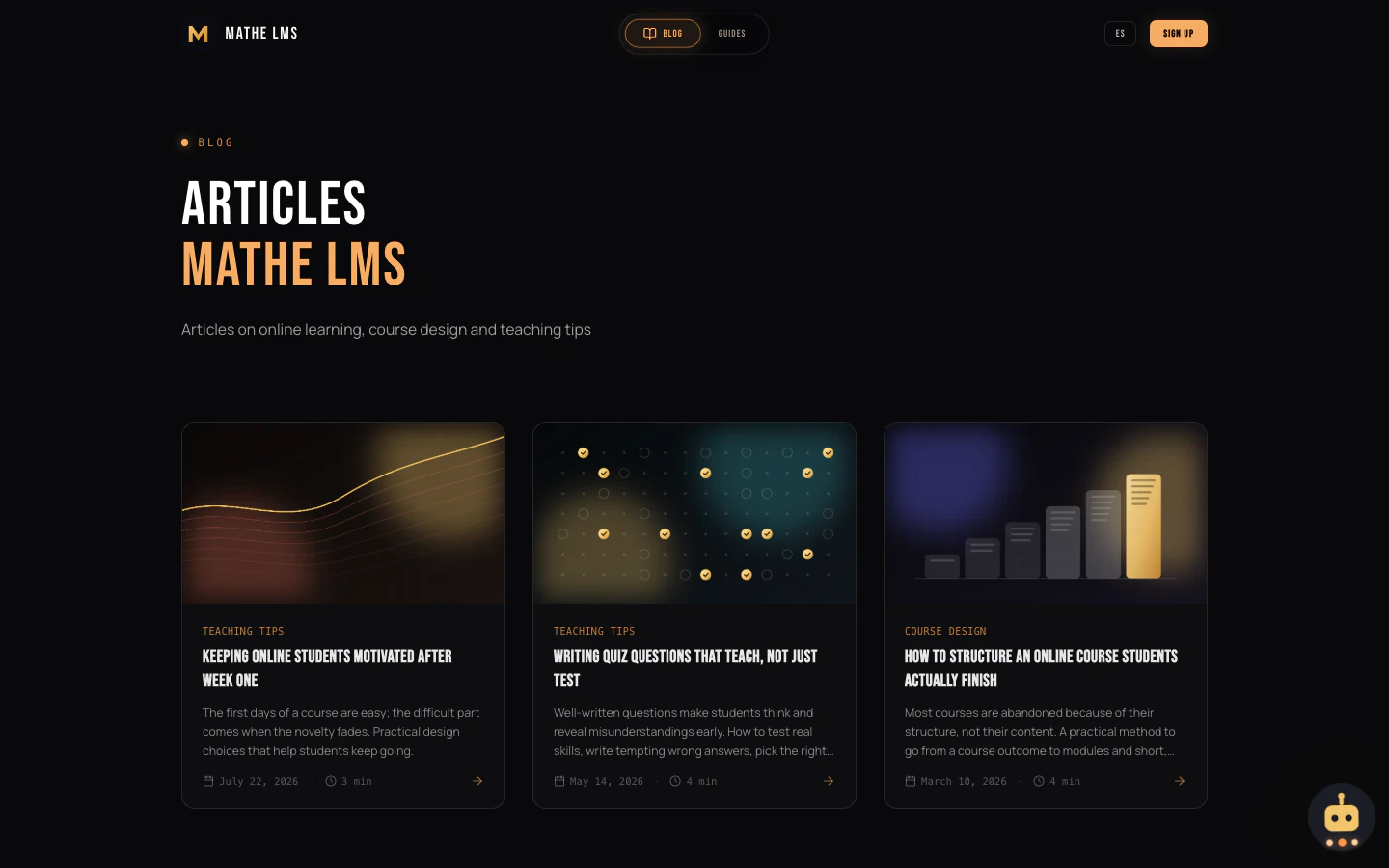
  • Markdown blog with categories and SEO fields, free guides built from page blocks, and slide decks

Operations

Built to be installed by a small team and left running.

  • Docker Compose: PostgreSQL, the app, background jobs and Caddy with automatic HTTPS
  • Also runs behind your own proxy, through a Cloudflare Tunnel, or without Docker
  • Database migrations run automatically on every start
  • Scheduled backups (hourly, daily or weekly), downloadable from the admin panel
  • Health monitoring with 11 checks (uptime, database, email, TLS expiry, paid orders without access…) and Telegram alerts
  • Public site and student area in English and Spanish; admin panel in English

Optional extras

These switch on when you add the matching keys.

  • AI chat assistant for visitors and students, plus AI drafts of blog posts, guides and slides (your own DeepSeek API key)
  • Telegram: owner notifications about sales and leads, monitoring alerts and student sign-in
  • Google Analytics 4 with opt-in cookie consent (Consent Mode v2)
  • Sitemap, robots.txt and hreflang out of the box; optional Google Indexing API
  • Activity feed of every CRM event, plus renewal reminders for your hosting and domains
  • Branding from one .env file: name, logo, social image, support email, legal details
10lesson block types
6auto-graded quiz types
2site languages: English and Spanish
11built-in health checks

Screenshots

See it before you buy

Taken from the live demo school. Better still, open the demo and click through it yourself.

What you get

Code you own, ready to deploy

  • Full source code

    The complete Next.js and TypeScript application, readable and unminified, with unit tests.

  • Docker setup

    Dockerfile and Compose stack with PostgreSQL, background jobs and Caddy for automatic HTTPS.

  • Documentation

    Install guide (an empty server to a working school in about 30 minutes), customization guide and a full feature reference, plus changelog and third-party credits.

  • Demo content

    A free platform tour, paid sample courses, plans, blog posts, a glossary and guides in English and Spanish. Remove it with one command.

  • Updates

    12 months of new versions. Updating is git pull and a rebuild; migrations run by themselves.

  • Support

    6 months with the Standard license, 12 months of priority support with the Extended license.

Tech stack

Modern, mainstream and easy to hire for

No exotic framework and no vendor lock-in. Any TypeScript developer can pick it up.

  • Next.js 16App Router, server components, standalone production build
  • React 19 & TypeScriptTyped from database to UI; Tailwind CSS 4
  • PostgreSQL 16 + PrismaVersioned migrations, applied on every start
  • Auth.js (NextAuth)Google for admins; email codes, Google or Telegram for students
  • Stripe CheckoutWebhooks for payments, failures, expiry and refunds
  • ResendSign-in codes, receipts and broadcasts; SMTP fallback for sign-in codes
  • next-intlEnglish and Spanish routes with hreflang
  • Docker Compose + CaddyOne command to start, automatic HTTPS certificates

Minimum server: Linux with Docker, 1 vCPU, 2 GB RAM, 20 GB disk. Without Docker: Node.js 22 and PostgreSQL 14+.

Pricing

Pay once. Own it.

One-time prices in US dollars. No subscription, no revenue share.

Standard license

For your own online school.

$349one-time

  • Use for 1 school (one production site)
  • Full source code
  • 12 months of updates
  • 6 months of support
  • Docker setup, install guide and demo content
Buy Standard
Add-on

Installation & setup

We set it up for you.

$290one-time, optional

  • We install Mathe LMS on your server
  • We connect Stripe payments
  • We connect Google sign-in
  • We connect email sending
  • You get a working school, ready for your courses
Order installation

The buttons open an email to [email protected]. We reply with payment details and deliver the code. Full terms: license terms.

FAQ

Questions, answered

What do I need to host it?

A Linux server with Docker (Ubuntu 22.04/24.04 or Debian 12; at least 1 vCPU, 2 GB RAM and 20 GB disk, 2 vCPU / 4 GB recommended) and a domain pointing to it. You can also run it without Docker on Node.js 22 with PostgreSQL 14+ and your own HTTPS proxy.

You also need these accounts, all with free tiers or test modes: Stripe for payments, a Google Cloud OAuth client for admin sign-in, and Resend for email (an SMTP server can be used as a fallback for sign-in codes).

Is there a monthly fee?

No. The license is a one-time payment. Your running costs are your own server and the usual fees of your payment and email providers.

Can I rebrand it?

Yes. The school's name, description, logo, social image, support email and legal details are set in the .env file. Footer text and social links are edited in the admin panel. Since you get the full source code, you can change the design and behaviour of anything else too. The license does not require a public credit to us.

Which languages are supported?

The public site and the student area come in English and Spanish. Each course is written in one language, and visitors see the courses in their language. The admin panel is in English. Adding another language means adding a translation file and registering the locale in the code.

Which payment providers are supported?

Stripe only, through Stripe Checkout, with one-time payments per plan. Buyers can use the payment methods you enable in your Stripe Dashboard, and the money goes straight to your Stripe account. Each installation uses one currency. Subscriptions and other payment providers are not built in.

Where are lesson videos hosted?

Wherever you like: lessons and stream recordings embed videos from YouTube, Vimeo, Loom or Wistia, or play a video file from any URL. Mathe LMS itself stores only images and PDFs (up to 10 MB each), so your server stays small.

Do I need to be a developer?

For day-to-day work, no: courses, plans, promo codes, students and broadcasts are all managed in the admin panel. Installing it takes basic command-line skills; the step-by-step guide takes about 30 minutes. If you would rather not, order the installation service.

How do updates work?

Both licenses include 12 months of updates. To update, back up, pull or unpack the new version and run docker compose up -d --build. Database migrations run automatically, and your content, uploads and settings stay in their volumes.

What is the difference between Standard and Extended?

Standard covers one school (one production site) for your own business. Extended covers an unlimited number of schools, including sites you build for clients, and comes with 12 months of priority support instead of 6 months of support. Both allow unlimited development and staging copies and charging your students. Neither allows reselling the code or running it as a SaaS where other people create their own schools. See the license terms.

Can I get a refund for the license?

Yes, within 14 days of purchase, if Mathe LMS does not work as described on this site and we cannot fix the problem after you report it to [email protected]. Purchases on CodeCanyon follow Envato's refund policy. Full terms: license terms.

Can you install it for me?

Yes. With the installation and setup service we install Mathe LMS on your server and connect Stripe, Google sign-in and email. Email us to order it.

Open your school on your own terms

Click through the demo as an admin and as a student, then take the code home.